Not happy with your purchase? No problem — here is how refunds work for SMS Backup, Print & Restore.
Option 1: Request a refund from Google Play (fastest, within about 48 hours of purchase)
- Open the Google Play Store app.
- Tap your profile icon in the top-right corner.
- Tap Payments & subscriptions > Budget & history.
- Find the purchase and tap Report a problem / Request a refund.
Google usually approves refunds requested within about 48 hours of the purchase automatically.
Option 2: Contact our support team
If the Google Play window has passed, or Google denied your request, our support team can still refund you:
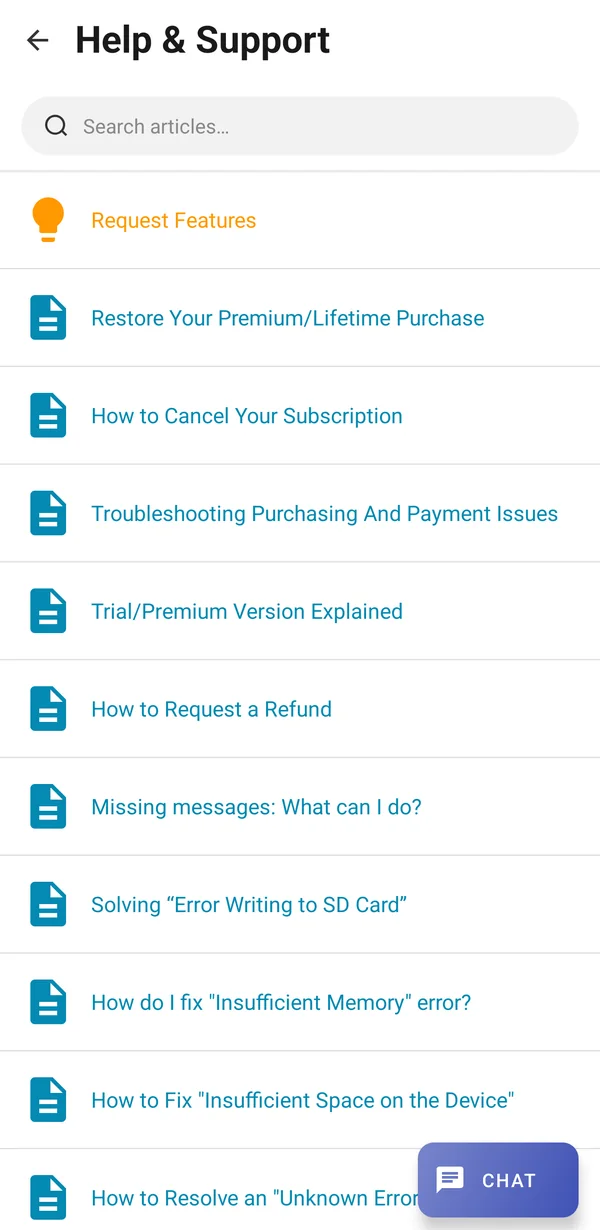
- Open the app. On the Chats screen, tap the three-dot menu (⋮), tap Help & Support, and then tap Chat. You can also use the support chat on this site.
- Tell us you would like a refund and send the email address of the Google account used for the purchase. If you have it, include the Google Play order ID (it looks like GPA.1234-5678-9012 and appears in your Google Play receipt email or at play.google.com/store/account/orderhistory).
- We will process the refund on our side. It usually appears on your statement within 5–7 business days, depending on Google and your bank.
Subscriptions: stop future charges
A refund does not cancel an active subscription. To stop future renewals, open Google Play Store > profile icon > Payments & subscriptions > Subscriptions, select the app, and tap Cancel subscription. You keep access until the end of the paid period.
Was this article helpful?
Thanks for your feedback!